Working Remotely as a Barrister
Remote hearings and electronic bundles made a national practice possible from a spare room. Doing it well takes more than a laptop and a bookshelf.
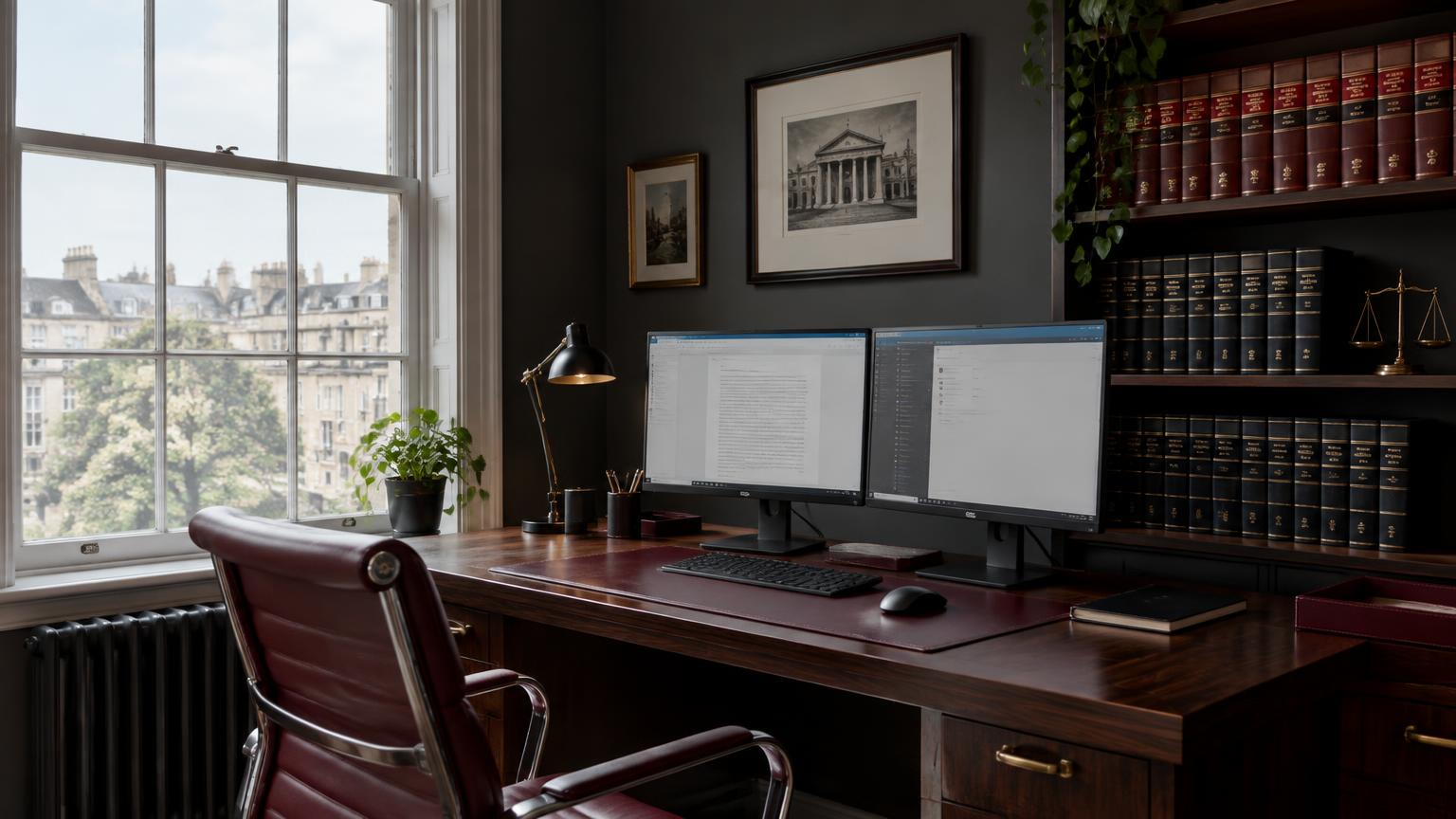
A large share of interim applications, case management hearings, tribunal preliminary hearings and conferences are now conducted remotely. For barristers that has removed the link between where you live and where your work comes from, which is the single biggest structural change to the profession in a generation.
It has also removed the infrastructure that a set provided by default. Conference rooms, printing, a clerk twenty feet away, a reliable connection and a colleague to check a point with are all now the practitioner's own responsibility.
This page covers what is genuinely needed, what is optional, and the professional obligations that follow you home, particularly around confidentiality and the appearance you present to a tribunal.
Clerk&Counsel works with barristers across England and Wales. Where you are based does not determine which enquiries you see.
Apply to join →What you actually need
Two screens are not a luxury for remote hearings. One carries the video platform and the other carries the bundle. Attempting both on a single laptop screen is the most common cause of a barrister losing their place while on their feet, and it is visible to everyone in the hearing.
A wired internet connection beats any wireless setup, and a mobile data backup matters more than the primary connection's speed. Hearings do not adjourn because your broadband failed. Knowing you can tether within thirty seconds changes how a failure plays out.
Camera, microphone and lighting affect how you are received. A camera at eye level, a separate microphone or decent headset, and a light source in front of you rather than behind produce a presence that a built in laptop camera cannot. The judge's impression of you is partly a technical question, which is uncomfortable but true.
The rest is preference. Some practitioners still work from paper for trial preparation and print at home. Others are fully electronic with a tablet for annotation. Both work. What does not work is discovering your approach mid trial.
Two screens
Platform on one, bundle on the other. Single screen working is visible to the tribunal.
Wired plus backup
Ethernet as primary, mobile data ready to tether within seconds.
Eye level camera and proper audio
Presence in a remote hearing is largely technical. Treat it as part of advocacy.
A door that closes
Confidentiality and concentration both depend on a room you control.
The obligations that come home with you
Confidentiality does not relax because the office is a spare room. Hearings and conferences must take place where they cannot be overheard, screens must not be visible to others in the household, and papers must be stored so that they are not accessible to anyone else. A shared kitchen table does not satisfy this.
Data protection obligations apply to the case material you hold. Full disk encryption, a strong screen lock, encrypted backups and multi factor authentication on email are the baseline. Case papers should not sit in an unsecured personal cloud folder that syncs to a family device.
Be careful with recording. Recording or photographing a remote hearing without permission is a contempt of court, and that includes screenshots taken for a note. Anyone else in the room must not be able to see or hear the proceedings either.
For conferences with lay clients, treat the platform choice as a professional decision. Use a service with end to end protection, send the link only to the intended participants, use a waiting room, and confirm at the outset who else is present at the client's end.
Appearing well in a remote hearing
Dress as you would for the physical court unless the tribunal has indicated otherwise. Courts have been clear that remote hearings are hearings, and the standards of the room apply. Robes are usually not required for remote interim hearings but check the specific court's guidance.
The background should be plain and professional. Books are fine. A bedroom, a kitchen or a virtual background that flickers when you move are distractions that cost you attention you need for the submissions.
Join early, at least ten minutes, and test audio and video before the judge arrives. If something fails, you want to be resolving it in an empty virtual room rather than in front of a full list.
Slow down. Remote audio strips out the small cues that tell you when someone is about to speak, and interruptions read far worse over video than in person. Speak slightly more slowly than usual, pause deliberately before responding to a judicial question, and make sure the microphone is muted between submissions.
Staying briefable without a corridor
Remote work removes the passive visibility that chambers provides. Nobody sees you in the clerks room, nobody mentions your name when a solicitor calls about a case in your field, and nobody notices when your diary is light. That has to be replaced deliberately.
The replacement is a stated availability, a profile that is current, and regular contact with the people who send work. A short message to instructing solicitors every couple of months, mentioning what you have been doing and when you are free, does the job that proximity used to do.
Isolation is the other cost. The informal second opinion, the sense check before a difficult application and the general professional company are real losses. Practitioners who work remotely well tend to build deliberate substitutes: a small group of peers in the same field, regular calls, or a day a week in a shared space.
Structure the week. Without the friction of travel, remote practitioners frequently take on more hearings than they can prepare properly for, then work every evening. Blocking preparation time in the diary as firmly as hearings is the practical defence.
Conferences, papers and the things a set used to handle
You will occasionally need a room. Conference facilities can be hired by the hour in most city centres, and for direct access clients a proper meeting room is worth the cost on a first conference, particularly where the client is anxious or the subject is sensitive.
Papers still arrive in physical form from some sources, so a reliable address matters, as does a scanner that handles volume. Practitioners who work fully electronically need a routine for digitising anything that arrives on paper the day it arrives.
Printing large bundles at home is usually a false economy. Most remote practitioners work from the electronic bundle with a tablet for annotation and print only the core documents for a trial.
Everything else is clerking: answering the phone while you are in a hearing, negotiating fees, chasing payment, managing listings and clashes. Those functions do not disappear when the set does, and they are the ones remote practitioners most often try to absorb themselves before concluding they should not.
Frequently asked questions
Can a barrister run a full practice remotely?
Yes, for practices weighted towards advisory work, interim hearings, tribunal work and conferences, all of which are now routinely conducted remotely. Multi day trials still largely require attendance, so most remote practitioners plan for travel days rather than expecting to avoid them entirely.
What equipment does a barrister need for remote hearings?
Two screens, a wired internet connection with a mobile data backup, a camera at eye level, a separate microphone or good headset, front facing lighting and a room that closes. Everything beyond that is preference rather than necessity.
Do barristers wear robes for remote hearings?
Usually not for remote interim and case management hearings, but practice varies by court and tribunal and the listing notice should be checked. Professional dress is expected in all cases, and the standards of the physical courtroom otherwise apply.
What are the confidentiality risks of working from home?
Being overheard during hearings and conferences, screens visible to others in the household, case papers accessible to family members, and unsecured devices or cloud storage. The controls are a private room, encrypted devices, multi factor authentication and a clear separation between work storage and personal storage.
Does working remotely limit which instructions I can take?
It widens them. Remote hearings mean a practitioner based in one region can appear in courts and tribunals nationally, so specialism matters more than location. What it does require is clarity about which hearings you will travel for and how much notice you need.
Practising remotely and want national enquiry flow?
We place instructions by practice area and availability across England and Wales. Where you work from is not a limitation.